


Toonpics - Cartoon Photo Edit
4.6317.00 Reviews
App Specs
- Version
- 1.7.5
- Updated On
- License
- Free
- Downloads
- 1,000,000+
- Developer
- Hideaway Technology Limited
- Categories
- Photography
- Platform
- Android
Screenshots
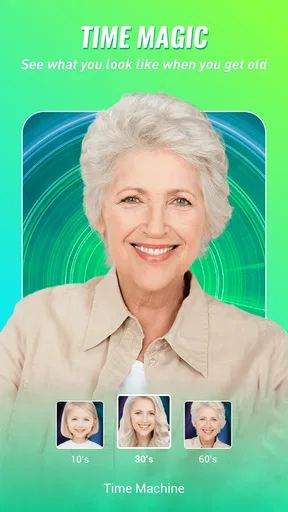
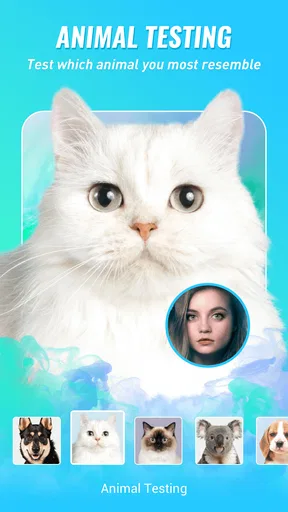
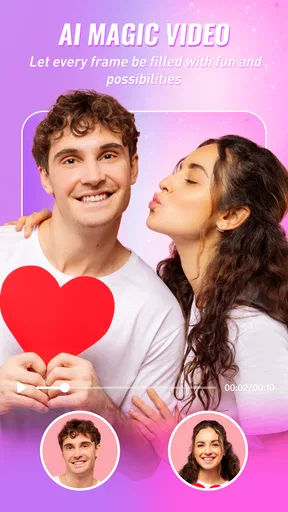
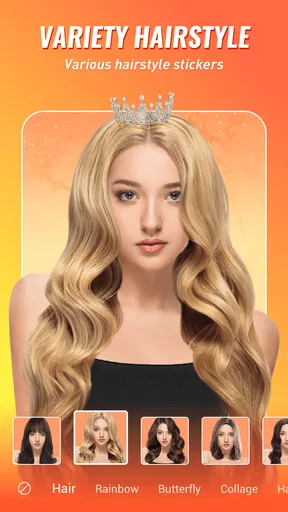
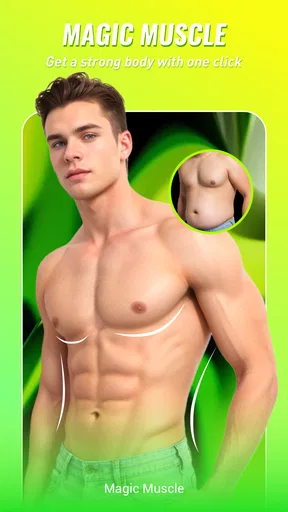
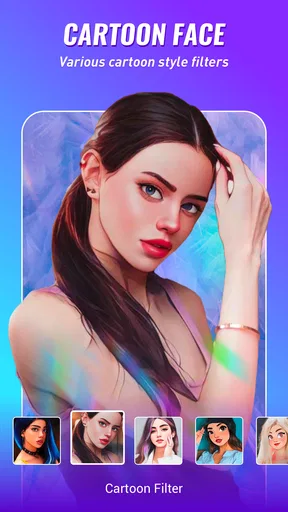
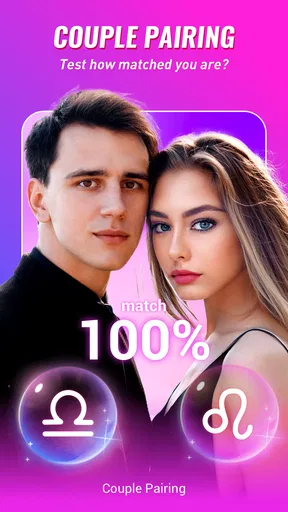
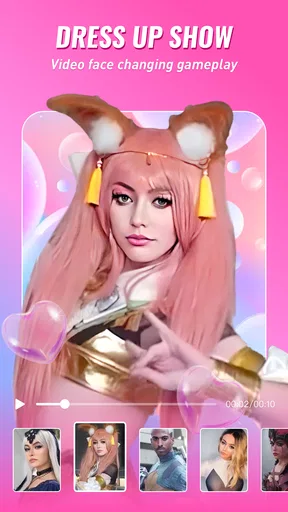
 Analysis by AppCompare
I tend to judge a photo app by a simple question: does it help me make one image I’m genuinely happy to share, without turning a quick edit into a project? Toonpics - Cartoon Photo Edit is aimed at that playful middle ground. It focuses on transforming pictures with cartoon-like treatments, alongside aging and animal-face effects, so it makes more sense as a creative novelty editor than as an all-purpose photography toolkit.
Choose it for a particular kind of edit
That distinction matters when deciding whether to install it. If I want to crop a picture, fix exposure, or make careful color corrections, I reach for a conventional photo editor. If I want to see how a portrait looks with a stylized treatment, Toonpics is the more direct idea: choose an image, experiment with an effect, and decide whether the result suits the mood I had in mind.
The app is free to download, with optional in-app purchases ranging from $0.99 to $99.99 per item. That wide span makes it sensible to explore the free experience first rather than assume every effect is included. I would treat any purchase as a decision about a specific feature I already want, not as a necessary step before finding out whether the app fits my habits.
Where the playful effects work best
Cartoon and aging treatments are easiest to enjoy when the photo has a clear subject and a readable expression. A well-lit selfie, a pet looking toward the camera, or a relaxed portrait gives an effect a better chance to feel intentional. For a busy group shot, a dark image, or a face partly hidden by a hat, the transformation may be less convincing; I would try another photo before judging the effect itself.
One practical way to use an editor like this is to make a few versions of the same picture and compare them side by side before sharing. That small pause helps me avoid choosing an effect simply because it looks dramatic at first glance. I also keep the original untouched, so the edited image stays a playful alternative rather than replacing the photo I may want later for a different purpose.
How it compares with other photo apps
Toonpics sits in a narrower lane than a full photo editor. General-purpose alternatives are usually the better choice when I need precise control over a whole image, while collage and layout apps make more sense when the goal is arranging several pictures into one post. Toonpics is appealing when the point is the transformation itself—especially if I want to test cartoon, age, or animal-face looks without building an edit from scratch.
That focus is also a trade-off. A novelty effect can make a profile picture, a casual message, or a lighthearted post feel fresh, but it is not automatically right for a professional portrait or a photo where natural appearance matters. I would keep the stylized version for informal sharing and use a restrained editor for images that need to look faithful to the original.
Worth Reading Before You Choose

Flipboard Shows What News Apps Must Do Beyond the Feed

Switching to Android Auto Means Rethinking Your Driving Routine

Google Calendar Makes a Crowded Week Easier to Manage

Ludo King Makes the Most of the Minutes Between Plans

Baby Panda World Brings Quick Play to Modern Phones, but Its Game Library Feels Busy

ESPN’s Live Game View Makes Following Close Games Easier
Getting Started with Toonpics
First things first, let’s talk about the basics. Downloading Toonpics - Cartoon Photo Edit is a breeze. It's available on both Android and iOS, so no worries about compatibility. Once it's on your device, you’re greeted with a clean and intuitive interface. I’m not one to read manuals or tutorials, and thankfully, Toonpics doesn’t make you jump through hoops to get started.
You can import photos from your gallery or take new ones directly from the app. I tried both options, and they work seamlessly. The app’s responsiveness is something I appreciate—no lagging or crashing, which is a big win in my book.
Features That Make Toonpics a Must-Try
Here’s where the fun begins. The app offers a variety of cartoon styles to choose from. Whether you’re aiming for a classic comic strip look or something more modern and artsy, there’s a style for every taste. I spent a good chunk of time just playing around with different filters, and each one gave my photos a unique flair.
The app also provides options to fine-tune the details. You can adjust the intensity of the cartoon effect, tweak colors, and even add speech bubbles to your images. The level of customization here is impressive. I found myself getting lost in the creative process, trying out different combinations until I landed on the perfect look.
Why Toonpics Stands Out
Now, I’ve tried a fair share of photo editing apps, but Toonpics has a few standout features that set it apart. For one, the quality of the cartoon effects is top-notch. It doesn’t just slap a filter on your photo; it genuinely transforms it. The results are sharable straight away, and trust me, your social media followers will notice.
Another aspect I love is the app’s community vibe. You can share your creations within the app, get inspired by others, and even participate in challenges. It adds a social element that keeps things interesting and interactive.
A Few Things to Keep in Mind
While I’m a fan, it’s worth mentioning that some of the more advanced features are locked behind a premium subscription. It’s not a deal-breaker for me, but if you’re on a tight budget, it’s something to consider. The free version still offers plenty of tools to experiment with, so you’re not missing out entirely.
Additionally, like any app with a lot of features, it might take a few tries to master all the options available. But hey, that’s part of the fun, right?
Cost, workflow, and who should try it
Toonpics is a photography app from Hideaway Technology Limited. Its 4.6 average from around 11,000 ratings, more than 1 million installs, and 315 written reviews suggest it has found an audience for quick, playful edits. It is rated for everyone, and version 1.7.0 runs on Android 6.0 and later. Those details make it accessible to many Android users, though I would still check that my device can install the current release before planning a project around it.
A realistic use is making a funny birthday image from a friend’s portrait: I would pick a clear photo, try a couple of cartoon treatments, and save the version that still looks recognizably like them. An animal-face effect could suit a casual group chat, while an aging treatment is better as a joke than as a serious likeness. The useful point is to match the effect to the audience; a playful result that works among friends may feel out of place on a work profile.
For a smoother workflow, I would start with a copy of the photo and keep the edit simple at first. Change one thing at a time—effect, intensity, then any extra decoration—so it is easier to tell which choice improved the image. If a face looks muddy or the effect overwhelms the expression, backing off or switching to a brighter, less cluttered source image is often a better fix than piling on more adjustments.
The cost decision deserves a little care. Optional purchases are priced per item across a broad range, so I would check what a particular paid option unlocks before tapping through. If I only want an occasional cartoon portrait, the free tools may be enough; if I keep returning to a locked effect, then I can decide whether that one feature is worth paying for. I would not subscribe or buy simply because an upgrade prompt appears during experimentation.
I would skip Toonpics if my main goal is detailed retouching, consistent edits across a large batch of photos, or a natural-looking image for formal use. A traditional editor gives more value for exposure, cropping, and precise corrections, and a layout-focused app is a better fit when the final result needs several photos arranged together. Toonpics is best when I want a quick visual gag or a distinctly stylized portrait, not when I need a complete photography workflow.
My recommendation
In the end, Toonpics - Cartoon Photo Edit is a fantastic app for anyone looking to add a little artistic flair to their photos. It’s user-friendly, creatively stimulating, and offers high-quality results that are bound to impress. Whether you’re a casual user or a social media enthusiast, this app is worth a spot on your home screen.
So, why not give it a try? Dive into the world of cartoon photo editing and see where your creativity takes you. Happy editing!
Pros
- Easy-to-use interface for quick editing.
- Variety of cartoon styles available.
- Real-time photo effects preview.
- High-resolution output support.
- Regular updates with new features.
Cons
- Limited free features; many locked behind paywall.
- Occasional ads can interrupt workflow.
- Some filters may distort original image quality.
- No option for batch editing photos.
- Requires a stable internet connection for use.
FAQs for Toonpics - Cartoon Photo Edit
What is Toonpics - Cartoon Photo Edit?
Toonpics - Cartoon Photo Edit is an innovative application that transforms your photos into cartoon-style images. Utilizing advanced AI technology, the app allows users to apply various cartoon effects, enhancing pictures with unique artistic styles. It's available for both Android and iOS platforms, offering a fun and creative way to reimagine your photos.
How does Toonpics ensure user privacy and data security?
Toonpics prioritizes user privacy by adhering to strict data protection policies. The app only processes images locally on your device or uploads them with your consent. It doesn't store or share personal data without permission, ensuring a secure and private user experience. Always check their privacy policy for detailed information.
Are there in-app purchases or ads in Toonpics?
Yes, Toonpics offers a range of in-app purchases to unlock additional features and effects. While the basic version is free, some advanced tools require payment. The app may also contain ads, which can be removed by purchasing a premium version. This allows users to enjoy an ad-free experience with extra creative options.
Can Toonpics handle high-resolution images?
Toonpics is designed to handle high-resolution images, allowing users to maintain quality when applying cartoon effects. However, the processing time might vary depending on the image size and device capabilities. It's optimized for performance on most modern smartphones, ensuring smooth functionality and high-quality outputs.
Is Toonpics suitable for professional use or just for fun?
Toonpics caters to both casual users and those seeking professional-grade cartoon effects. While it's perfect for fun and creative personal projects, it also offers sophisticated tools that can be used by artists and designers. The app's versatility makes it a valuable tool for anyone interested in digital art and photo editing.


